Sync Google Sheets, Gmail, and Todoist with Notion perfectly.
Sync for Notion ensures your data is always exactly where it needs to be, in real-time, without prior configurations. Save +10 hours of manual work per week.
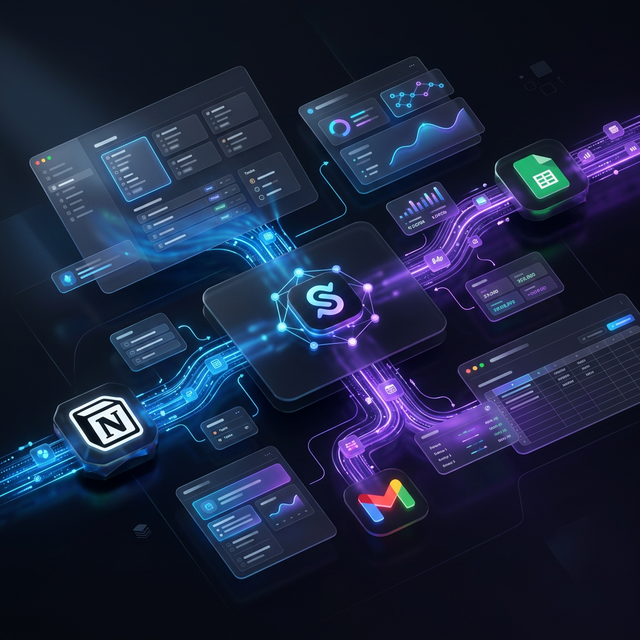
Tired of integrations breaking your Notion?
Unfinished tasks and outdated data waste your valuable time. Sync for Notion uses our **Swarm** architecture to ensure a 100% clean, fast, and now bidirectional mirror.
- Perfect Mirror: Real-time synchronization
- Swarm Engine: Unlimited scalability without delays
- Zero Configuration: Connect to Notion with one click!
- No Per-Task Fees: Unlimited Runs
- Unify Data: Protect your custom Notion properties 🛡️
- Cloud Security: Your Data Secure and Available 24/7
🔌 Key Integrations
Seamless synchronization
Get started today with our most powerful automations, now featuring **two-way synchronization** on advanced plans.
📝 Google Sheets → Notion
Sync data between Google Sheets and Notion. Keep your Notion databases updated with changes from Google Sheets.
Automatically sync your Google Sheets spreadsheet with a Notion database.
⭐ Gmail → Notion
Automate your Gmail inbox organization. Save and organize important emails in Notion for a clear record.
Save starred Gmail emails to your Notion database.
✅ Todoist → Notion
Perfect mirror between Todoist and Notion. Sync tasks, priorities, due dates, and labels automatically.
Sync your Todoist tasks with a Notion database in real-time.
⚙️ How Sync for Notion Works?
Choose an Automation
Explore available integrations based on your favorite tools.
Connect Your Accounts
Authorize your Google, Notion, Todoist, and other accounts with a click!
Activate Your Flow (Unlimited)
Launch the automation and let it work for you 24/7.
What our users say
“Since we started using Sync for Notion, our processes are more agile and reliable. The integration with Notion and Sheets saves us hours every week.”
Maria Gomez
Project Manager
“Sync for Notion transformed the way we work. We automate daily reports without touching a spreadsheet.”
James Run
Developer
“The interface is simple and powerful. We automate our client briefs in minutes. Highly recommended!”
Sofia Wichowski
Tech Lead
Ready to automate your business?
Get started for FREE with an automation, or choose a plan and get unlimited automations without worrying about task limits.